How to Find Forgotten Subscriptions (Without Giving Anyone Your Bank Login)
October 24, 2026
Find forgotten subscriptions, price hikes, free trials about to charge and charges after you cancelled, right from your statements. No bank login needed.
Take control of your money with BudgetLabs
Free forever — premium features just $1.99/mo. No credit card required.
Sign Up Now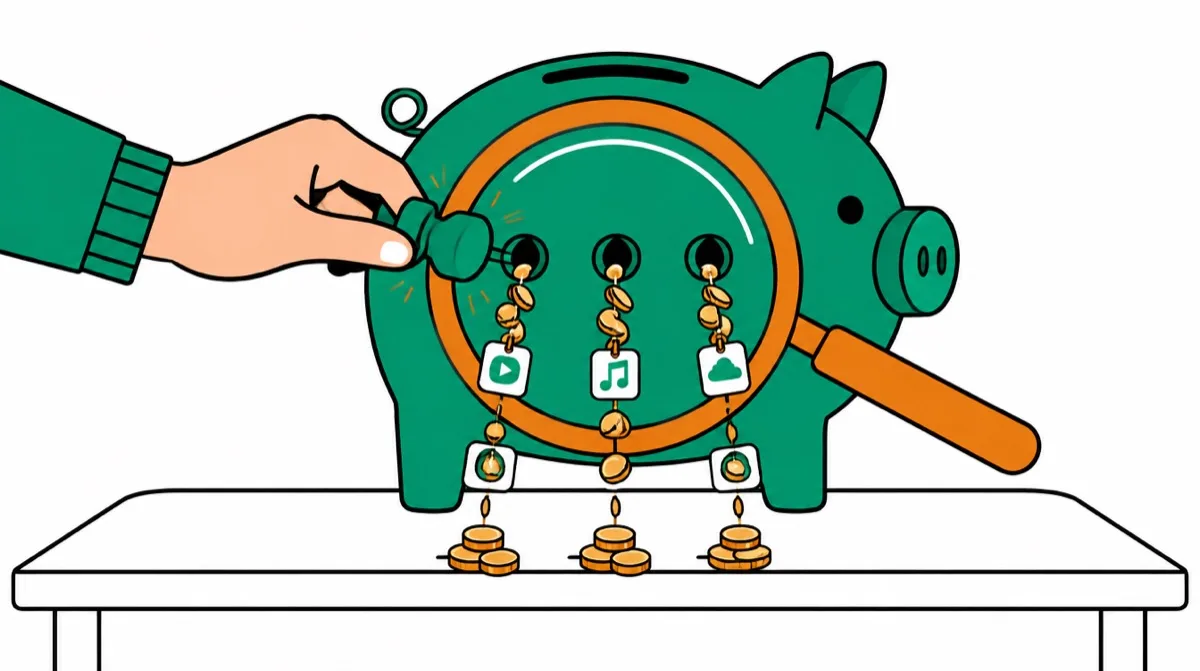
Most people pay for more subscriptions than they think, and the ones that cost the most are the ones you stopped noticing. A streaming plan that went up two dollars. A yearly renewal you agreed to fourteen months ago. A free trial that quietly became a charge. The app you cancelled that kept billing anyway.
You can find all of them from your bank and card statements. You don't need to hand an app your bank password or let it read your email to do it.
Disclosure up front: I'm the founder of BudgetLabs, and this week we shipped Money leaks, a page that does this search for you. I'll show you how to do it by hand first, because the method is the useful part. Then I'll show you where the app saves time.
The four kinds of money leak
A "leak" is money leaving your account on a schedule you're no longer paying attention to. It comes in four shapes, and each one needs a different fix.
- Forgotten subscriptions. Something you signed up for and stopped using. The fix is to cancel it, or to decide you're keeping it and put it in the budget.
- Price hikes. A service you still use that now costs more than it did. Companies email about these, but the email is easy to miss. The fix is to notice, then decide whether it's still worth it at the new price.
- Free trials turning into charges. You meant to cancel before day 7, and you didn't. The fix is to know the end date before it arrives.
- Charged after you cancelled. You did cancel, and a charge came anyway. This one is the company's mistake, and you're usually owed the money back.
How to find them yourself (about an hour)
1. Pull 13 months of statements, not 3. Every checking account and every credit card. Three months will show you monthly charges. It won't show you yearly ones, and yearly renewals are where the biggest single charges hide: software licences, memberships, cloud storage, antivirus, domain names.
2. Group the charges by merchant. Sort or filter by description and look for the same name repeating. Watch for merchants that show up under slightly different names on different statements.
3. Keep only the ones on a steady schedule. A real subscription repeats weekly, every two weeks, monthly, quarterly or yearly. Groceries and gas repeat too, but not on a schedule. Utilities are on a schedule but swing a lot from month to month, so treat those as bills rather than subscriptions.
4. Compare the amounts over time. If a monthly charge was one price in spring and a higher price now, that's a price hike. Write down the old price, the new price and roughly when it changed.
5. Check anything you've cancelled. For every subscription you've cancelled in the last year, look for a charge from that merchant after the date you cancelled. A final charge a few days later can be legitimate if it was already in progress. A charge weeks later usually isn't.
6. Give every one a decision. Cancel it, keep it and budget for it, or set a reminder before it renews. A list of subscriptions with no decision attached is just a list.
One catch: Apple and Google Play charges often bundle several app subscriptions into a single line on your statement, and the statement can't tell you which apps they are. Open the subscriptions list in your iPhone settings, or in Google Play, to see what's actually inside that charge.
Free trials: the end date is the whole game
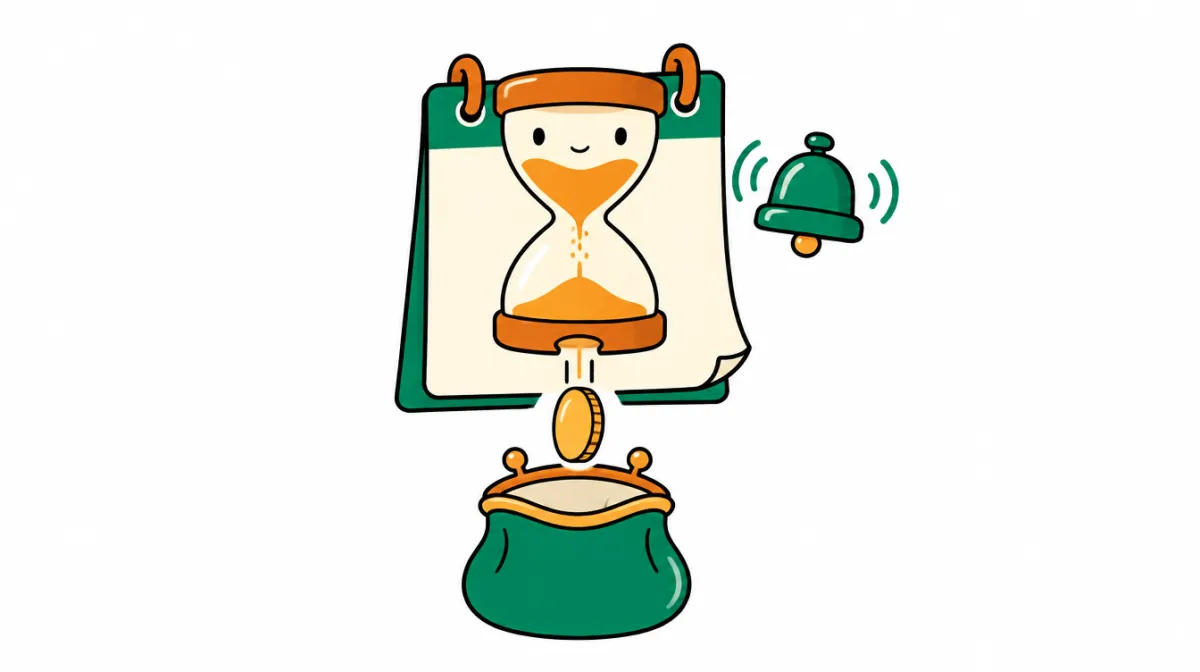
A free trial only costs you money if you forget the end date. So the fix is boring and it works: the moment you start a trial, write down the end date and set a reminder two days before it, not on the day. On the day, you'll be busy.
If the trial needed a card, assume it will charge. Most do.
Charged after you cancelled? Ask for a refund, then dispute

This is the leak people get angriest about, and with good reason. If a company charges you after you cancelled:
- Write to the company first. Give them the date you cancelled, the date of the new charge and the amount, and ask for a refund. Keep it short and factual.
- If they won't refund it, contact your card issuer and dispute the charge. Your cancellation date and the company's reply are your evidence, so keep both.
That's also why it's worth writing down the date every time you cancel something. It's the one fact you'll need, and it's the one nobody remembers a month later.
Doing it in BudgetLabs: Money leaks
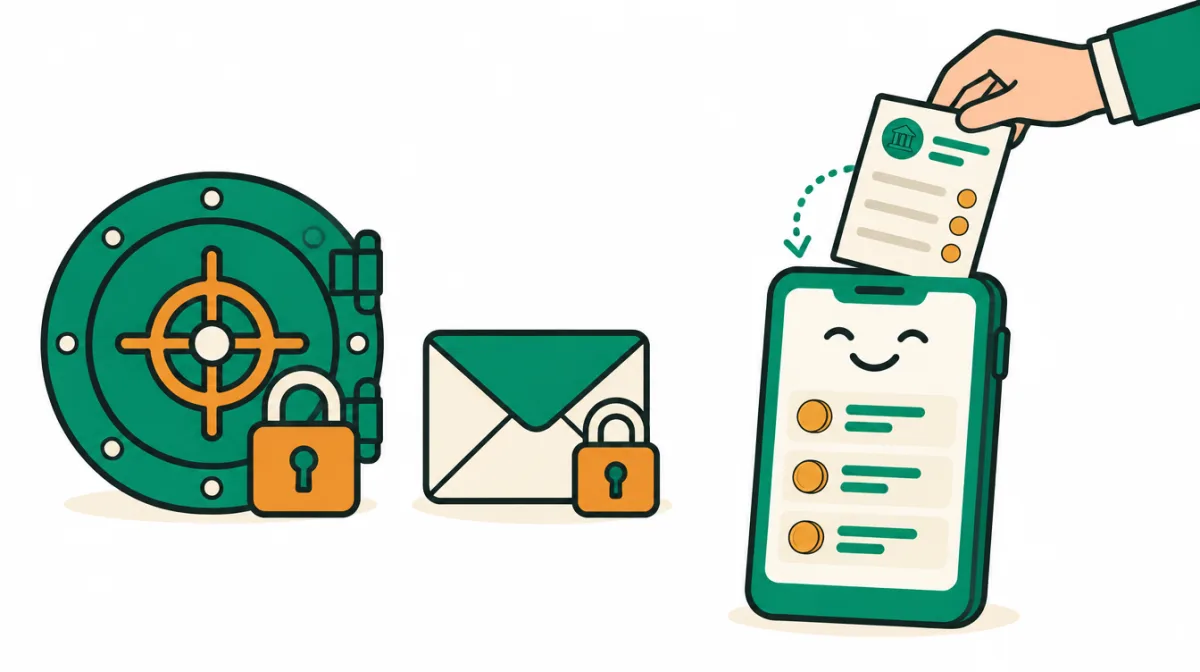
Money leaks does the search above on the transactions you've already brought into BudgetLabs. It looks back 13 months, groups charges by merchant, and keeps the ones that repeat on a steady schedule, including yearly ones. There's no bank login, because BudgetLabs doesn't connect to your bank at all, and nothing reads your email.
It sorts what it finds so the urgent things come first:
Take control of your money with BudgetLabs
Free forever — premium features just $1.99/mo. No credit card required.
Sign Up Now- Needs attention: anything that charged you after you marked it cancelled, any price that went up in the last 90 days (with the old price, the new one and the date it changed), and free trials ending within 7 days.
- Not in your budget: recurring charges you haven't planned for. The total at the top tells you how much you pay a year, and how much of that isn't in your budget yet.
- Next 30 days: what's about to come out, and when.
Every finding gets a next step. Track as bill puts a monthly charge on your Bills page. Remind me before it renews adds a yearly charge to Annual Events with a reminder a week ahead. Mark cancelled records the date, and if that merchant charges you again, it's flagged in red with a refund message already written for you to copy. For many common services there's a How to cancel link, checked by hand, that opens the company's own site.
It's automated, so it can be wrong. If something isn't a subscription, mark it Not a subscription and it leaves your total. When it isn't sure whether a charge is recurring, it leaves it out rather than guess.
What it won't do: BudgetLabs never cancels anything for you, never contacts a company on your behalf, and never moves money. You take the step. Money leaks keeps track of it.
New to BudgetLabs?
If you don't have much history in BudgetLabs yet, tap Scan statements and add up to 3 statements (PDF, CSV or a screenshot). Free accounts get this scan once, on top of the daily free Smart Import, and you see what it found before anything is saved.
What's free and what's Pro
Every finding is free. The totals, the price-hike flags, the charged-after-cancelling flag, the refund message and the cancel links are all on the free plan.
Pro ($1.99/month or $19.99/year) adds two things that protect you over time: a free-trial tracker that emails you 2 days before a trial turns into a charge, and an email if a subscription you cancelled charges you again. To add a trial, you drop in its confirmation email, a PDF or a screenshot, or type the details yourself. You check every field before it's saved.
Money leaks vs Rocket Money
Rocket Money is the best-known app for this, and it's good at it. The difference is in how it gets there and what it does once it finds something.
| Money leaks (BudgetLabs) | Rocket Money | |
|---|---|---|
| How it sees your charges | Statements and transactions you import | Connects to your bank accounts |
| Finds subscriptions and price changes | Yes, free | Yes |
| Cancels subscriptions for you | No. You cancel; it tracks it | Yes, from inside the app |
| Lives inside a zero-based budget | Yes | Budgeting is secondary |
| Price | Findings free; Pro $1.99/mo or $19.99/yr | Free tier; Premium is a "pay what's fair" monthly price |
If you want an app that cancels things for you and you're comfortable linking your bank, Rocket Money does that job and BudgetLabs doesn't. If you'd rather keep your bank login to yourself, and you want the subscriptions you keep to land in a real budget with a plan behind them, that's what Money leaks is for. For the longer comparison, see Rocket Money vs YNAB and Rocket Money vs EveryDollar.
Find out what you're still paying for. Money leaks is free on every BudgetLabs account, on iPhone, iPad, Mac and the web.
→ Start a free budget and run Money leaks
Frequently Asked Questions
How do I find subscriptions I forgot about?
Look through 13 months of bank and card statements, group the charges by merchant, and keep the ones that repeat on a steady schedule: weekly, every two weeks, monthly, quarterly or yearly. Thirteen months matters because yearly renewals won't show up in a shorter window. BudgetLabs' Money leaks page does this automatically from the transactions you've imported.
Can I find forgotten subscriptions without linking my bank account?
Yes. Everything you need is on your statements. BudgetLabs works from statements and transactions you import (PDF, CSV, screenshots or pasted text), so you never give it your bank login, and it doesn't read your email.
What should I do if I was charged after cancelling a subscription?
Ask the company for a refund first, giving the date you cancelled, the date of the charge and the amount. If they refuse, dispute the charge with your card issuer and keep the company's reply as evidence. In BudgetLabs, a charge after a subscription you marked cancelled is flagged with a refund message already filled in.
How do I stop a free trial from turning into a charge?
Write down the trial's end date as soon as you start it and set a reminder two days before. On BudgetLabs Pro, the free-trial tracker emails you 2 days before a trial you've added turns into a charge.
Does BudgetLabs cancel subscriptions for me?
No. BudgetLabs never cancels anything, never contacts a company on your behalf, and never moves money. It finds the charge, gives you a How to cancel link for many common services, and keeps track once you've cancelled.
Is Money leaks free?
Yes. Every finding, total and flag is on the free plan. Pro, at $1.99/month or $19.99/year, adds the free-trial tracker and email alerts.
Why doesn't it show which apps are in my Apple or Google Play charge?
Apple and Google Play can bundle several app subscriptions into one charge, and a bank statement doesn't say which apps they are. Check the subscriptions list in your iPhone settings or in Google Play to see them.
Related reading
- Money leaks guide: every section and action on the page
- The True Cost of "Just $10/Month" Subscriptions: a weekend audit and a rule to stop new ones piling up
- Sinking Funds 101: what to do with the yearly renewals you decide to keep
- Best Budgeting App Without Bank Sync (2026)
- Rocket Money vs YNAB: Tracker vs Budget
Take control of your money with BudgetLabs
Free forever — premium features just $1.99/mo. No credit card required.
Sign Up NowChris
Founder, BudgetLabs
One honest budgeting-app comparison a month
No spam, unsubscribe anytime.
Keep reading
- The True Cost of "Just $10/Month" Subscriptions (And How to Audit Yours This Weekend)Streaming, apps, cloud storage, fitness — the "just $10/month" charges feel harmless one at a time, but stacked together they quietly become one of the largest line items in your budget. Here's a weekend audit that finds the leaks and a system to keep them from coming back.
- Rocket Money vs EveryDollar (2026): Leak-Finder vs Zero-Based PlanRocket Money finds money you're already leaking. EveryDollar plans money you haven't spent yet. Prices, free tiers, and which one fits your problem in 2026.
- The Month-End Money Audit: A 20-Minute Review That Turns Numbers Into DecisionsA twenty-minute month-end review beats daily budget guilt and yearly regret. Four questions, one small change — the quiet habit that keeps your money honest without burning you out.